Changing Categories Set
What is required for changing a categories set
✔️ Customized categories set file: .comapeocat.
✔️ The  Coordinator tools are visible.
✔️ The device has a Coordinator role.
Accessing Coordinator tools
When mapping on your own, coordinator tools are revealed after follow steps to start a new project.
Go to 🔗 Creating a New Project
Loading a new categories set file
The file type .comapeocat is proprietary to CoMapeo. It cannot be opened by any other app not can be opened by Android. Use CoMapeo to load the category set file to a selected project. This ability is limited to those who are coordinators of projects.
Step by Step: Mobile
Step 1: Look for the file in your downloads folder and transfer it to the Mobile phone you are using CoMapeo on. You can use an email, Google Drive, WhatsApp or the tool that works best for you to get files to your phone.
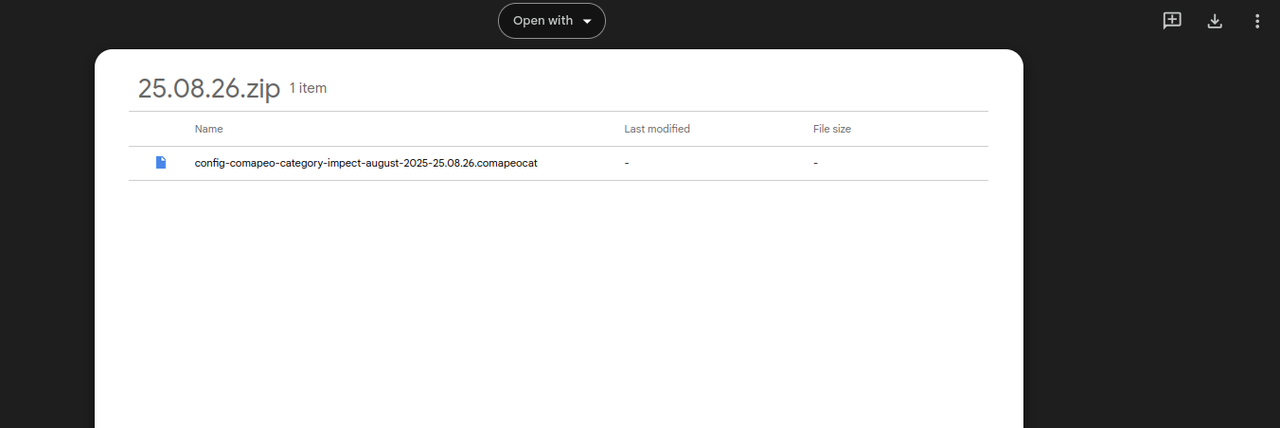
Step 2: Open  CoMapeo and, in the main menu, select the project where the new category set in needed.
Step 3: Open Coordinator Tools.
This is not visible to Participants of a project
Step 4: Select Project Categories.
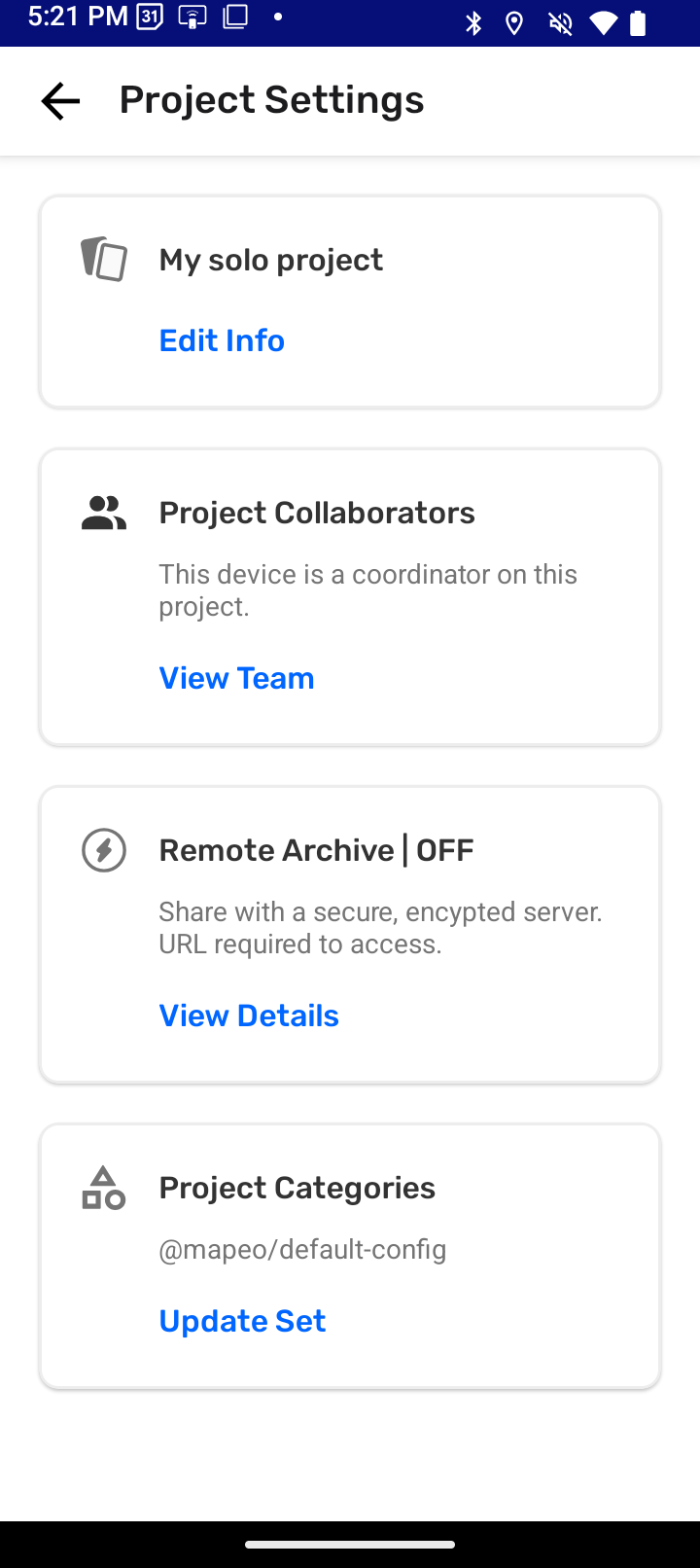
Step 5: Tap Import Categories to open the file picker of your operating system
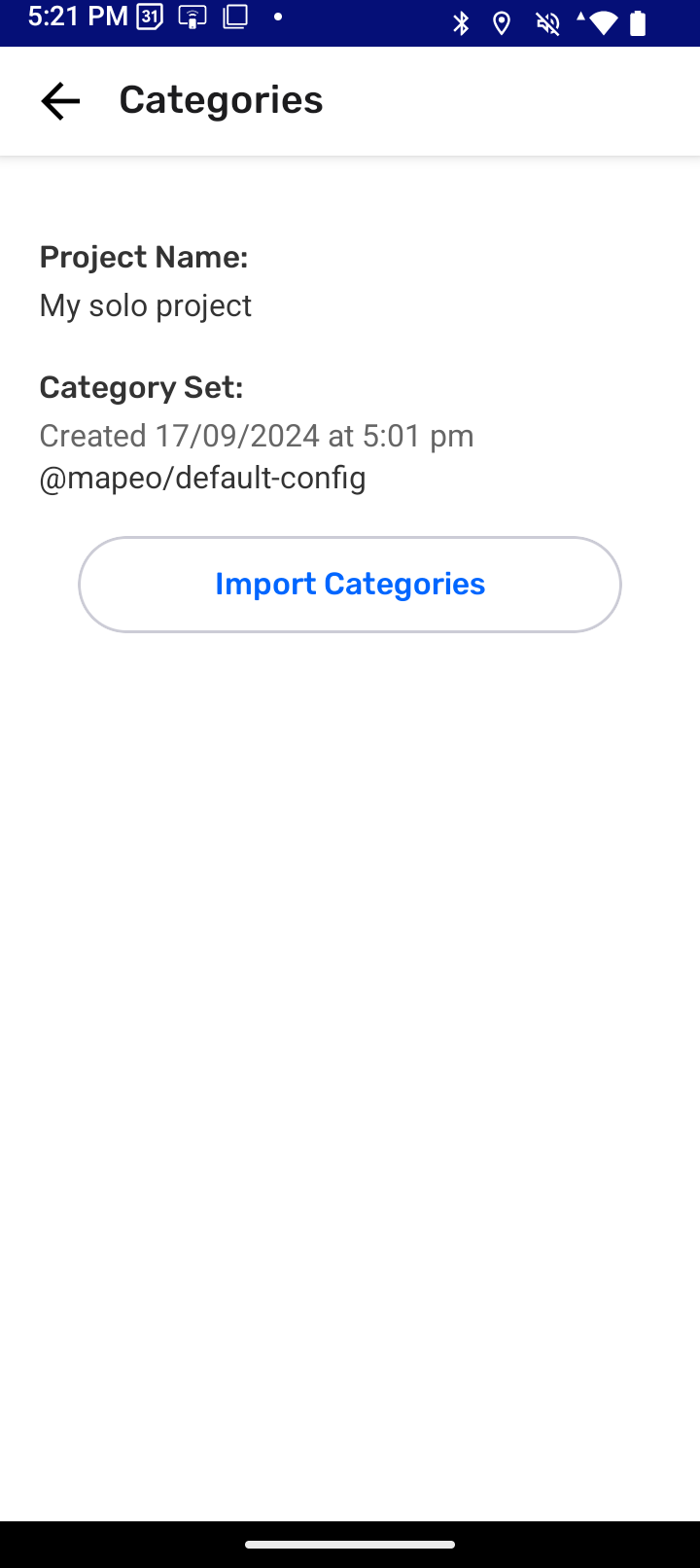
Step 6: Find the category set file (.comapeocat) and select it. CoMapeo will attempt import the file selected. If successful, information on the Categories screen will be updated
Category sets are included in project data. Category sets are shared with with new teammates after invitation to projects are complete. They are also included when doing Exchange with teammates to help keep projects up do date
Go to 🔗 Understanding How Exchange Works for full explanation
Reviewing a Category Set
To review CoMapeo’s included Category Set within the app itself follow steps for creating an observation, adding details and delete the observations saved as part of the exploration.
If this is the first time setting up a project and changing the categories set, it is likely your next step will be inviting collaborators to gather data as a team.
Go to 🔗 Inviting Collaborators for instructions
Relevant Content
Go to 🔗 Creating a Custom Categories Set
Go to 🔗 Welcome to CoMapeo Categories Library blogpost by María Alvarez