Using Exchange Offline
Exchange with Wi-Fi
Exchange requires 4 things:
-
Two or more devices with
 CoMapeo,
 -
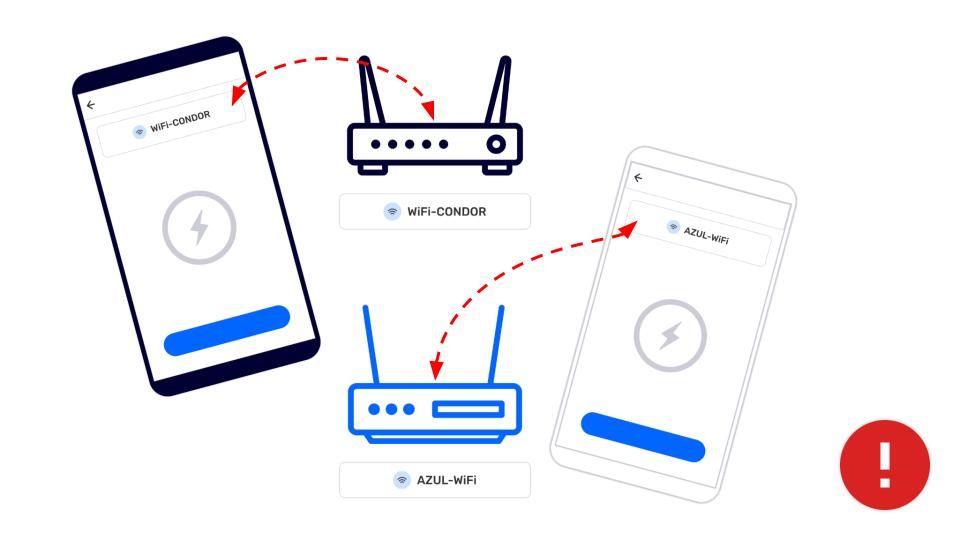
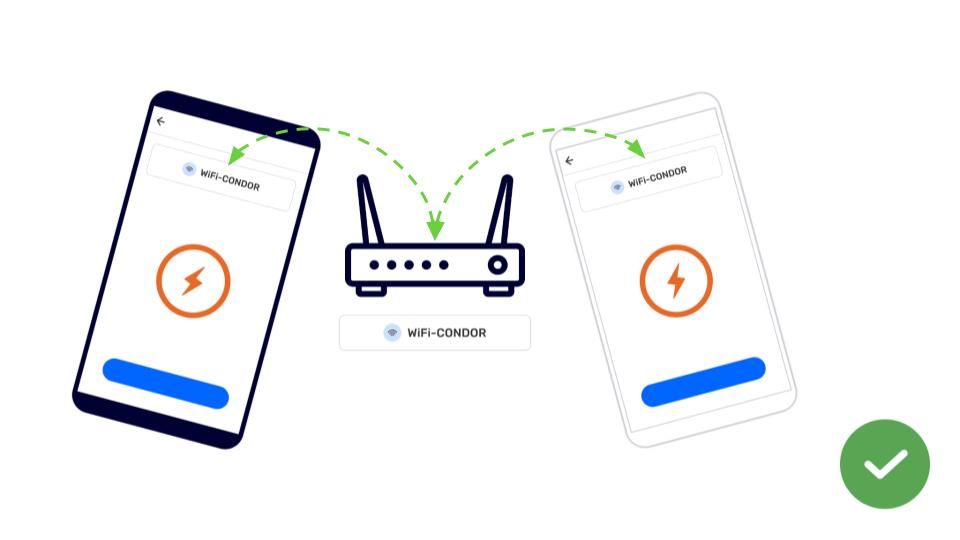
Devices are connected to the same WiFi connection
-
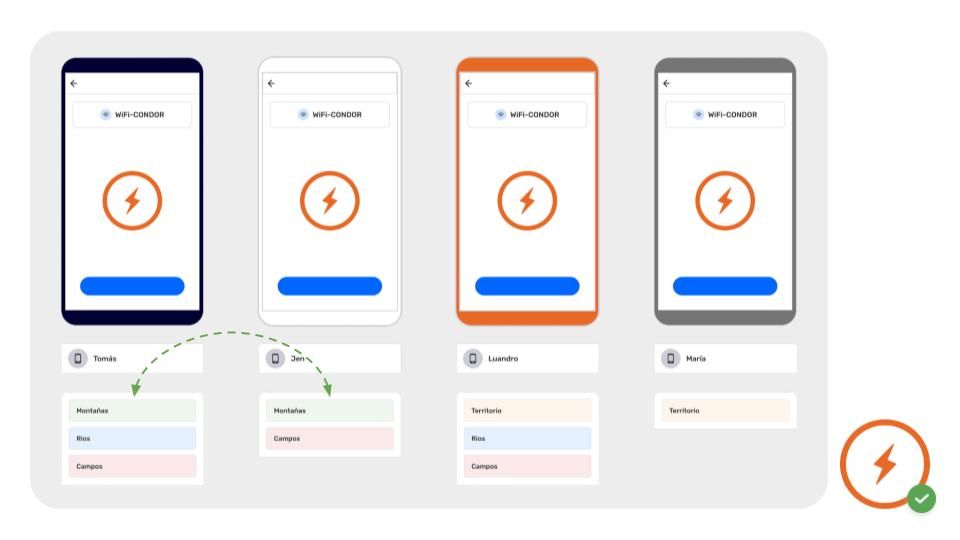
devices belong to the same project
-
New observations or tracks to exchange
Go to 🔗 Understanding How Exchange Works for full overview and details
Step by Step
Step 1: Open the  Menu
Menu
Step 2: Tap  Exchange
Step 3: Exchange screen will display “Devices Found” when properly connected to a router.
Tip: Exchange Settings can be adjusted if needed
Go to 🔗 Understanding How Exchange Works -> Exchange Settings
Step 4: Tap Start to let connected devices know you are ready to exchange project data
Step 5: When other devices join the Exchange, all new observations and relevant project data will be exchanged.
Step 6: Complete will display when all observations are exchanged. Tap Done to return to Menu
Offline exchange can happen fairly quickly if everyone starts exchange around the same time.
Related Content
Go to 🔗 Understanding How Exchange Works for full explanation
Having Problems?
Go to 🔗 Troubleshooting: Mapping with Collaborators -> Exchange Problems
Common issues with exchange relate to connecting to the same WiFi at the same time, especially if the router or mobile hotspot is not connected with the internet. Often devices will disconnect from a WiFi source to favor one that has internet, or is saved in the devices memory. These are setting you can check to reduce issues related to WiFi connections.