Gathering the Right Equipment for CoMapeo
Why is gathering the right equipment for CoMapeo important?
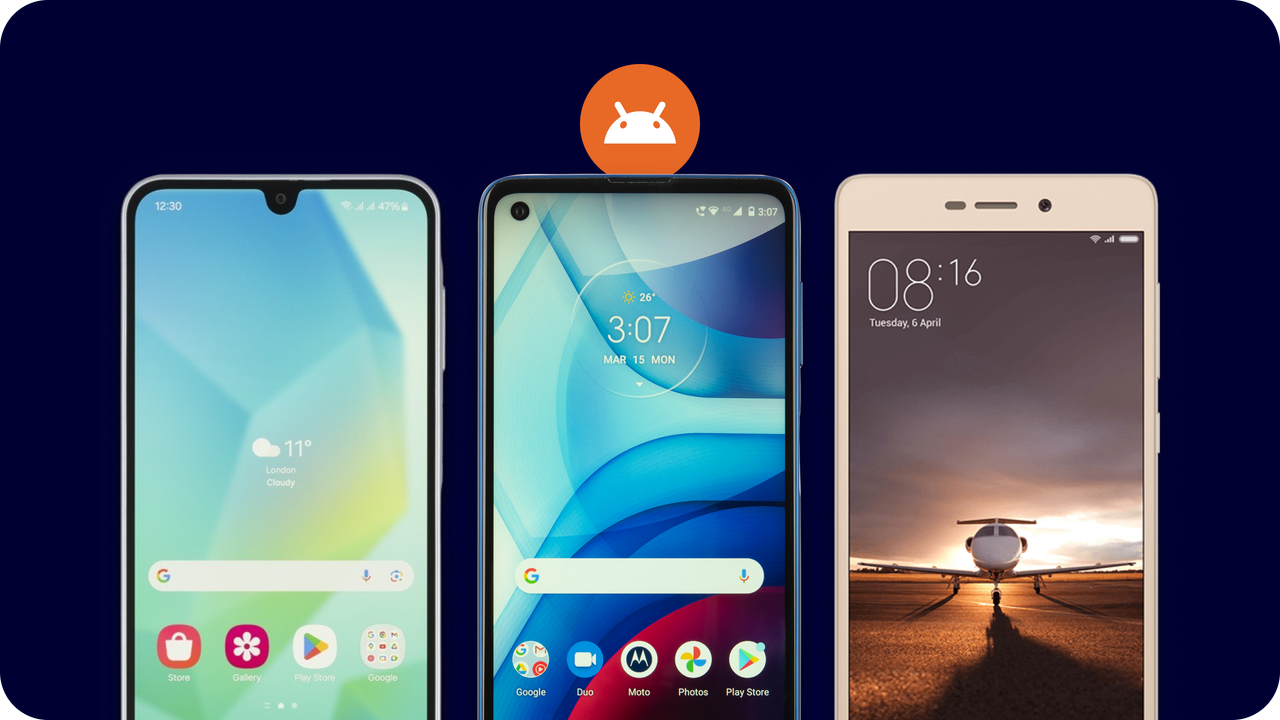
CoMapeo Mobile is designed to work on a variety of Android devices. of diverse models, It uses the basic hardware that is included in most smartphones today/nowadays: a camera, GPS, battery, and memory. However, if you are planning to use CoMapeo on/in long journeys, offline environments, and diverse weather conditions on the land, then there are important aspects to look for in a phone that can improve your experience with CoMapeo throughout your journey.
Equipment for CoMapeo Mobile
CoMapeo Mobile is currently built for  Android smartphones. It will not work with iPhones.
Features to keep in mind what selecting a device
-
Battery Life
-
Memory
-
Robustness
-
Waterproof rating (or get a good case)
-
Camera Quality
-
GPS sensitivity
Equipment for CoMapeo Collaboration Features
CoMapeo Mobile uses Wi-Fi connections to share project information and between devices, without the need for internet connection.
The features that require a Wi-Fi connection are all for collaborating with a team or adding a back-up device:
-
Inviting new collaborators to a project
-
Exchange of Observations, Tracks and Project information
-
Sending notification to a device that has been removed from a project
There are three options to choose from
 Conventional router installed in an office or communications center
Portable router
Additional smartphone capable of creating a local network offline or hotspot.
Related Content
Go to 🔗 Device Setup & Maintenance for CoMapeo