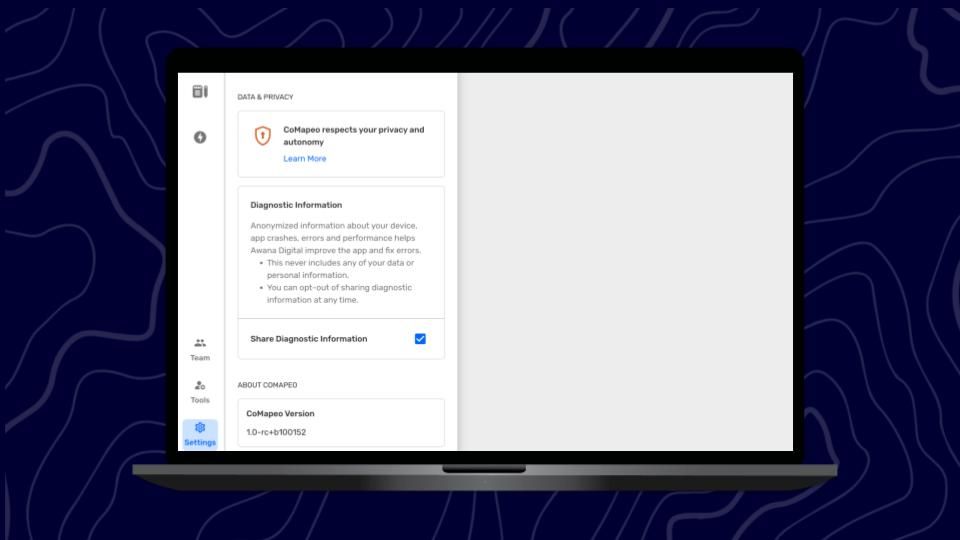
Adjusting Data Sharing & Privacy
What Data Sharing & Privacy
Data Sharing is a passive function of CoMapeo that works when a device is connected to the internet. Most apps use this function to gain information about app use to improve functionality. Some apps use data sharing for other purposes including surveillance, targeted advertising and profit.
Data privacy is the way in which an app, and platform host will protect your privacy. This this may include anonymization or storage maintenance procedures.
It is always recommended to be familiar with data sharing and privacy policies for any app you download
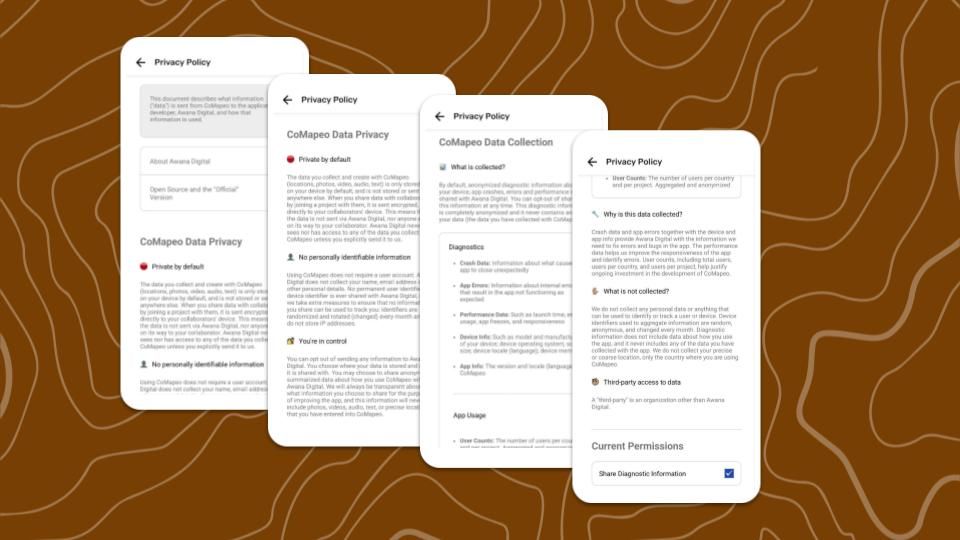
CoMapeo Data Privacy
-
Private by default. The choice to opt in is offered during onboarding
-
No personally identifiable information is gathered at any time
-
You’re in control. Change the setting any time
Review CoMapeo Privacy Policy to clarify doubts at any time. Choose to opt in or opt out of sharing diagnostic data.
Go to 🔗CoMapeo Data & Privacy to review the Privacy Policy in English
Step by Step
Step 1: Open the  Main Menu
Step 2: Select  CoMapeo Settings
Step 3: Tap  Data & Privacy
Step 4: Scroll to see current permission
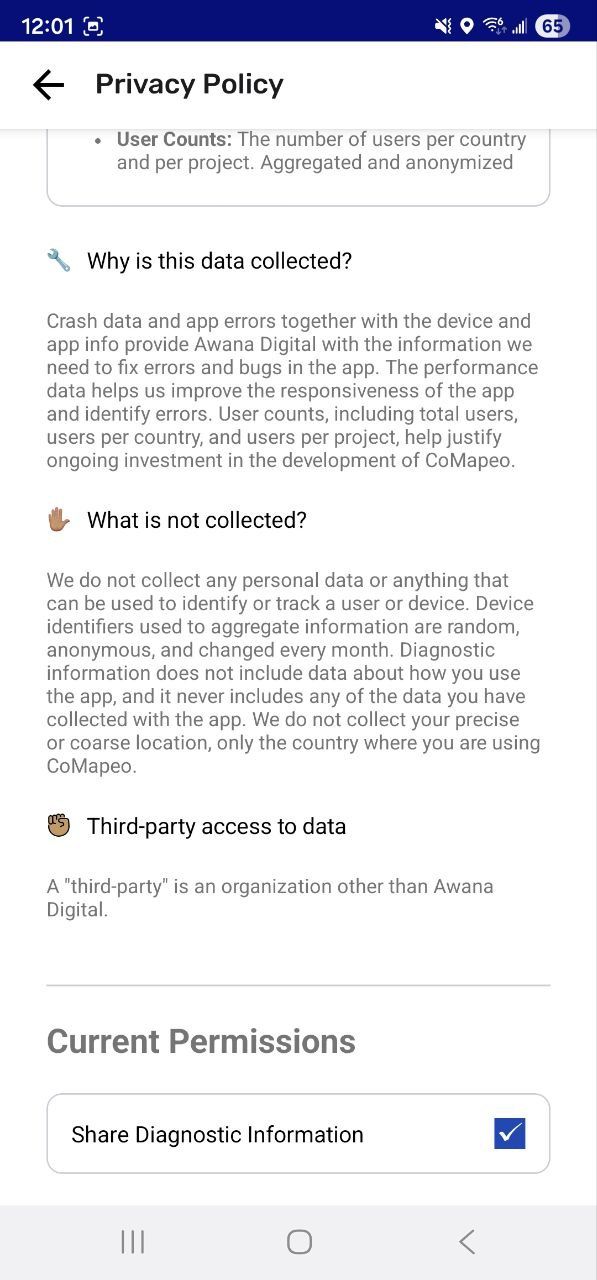
Step 5: Tap check box to toggle selection
Related Content
Having Problems?
Go to 🔗 Troubleshooting: Data Privacy and Security